ViLog

A tool for reading logs and managing troubleshooting effectively in Genesys Cloud. It scans an interaction log in seconds and shows it to you in an easy-to-read interface.
- 1 ID is all it takes to see the whole interaction
- 100% focused on immediate answers
- Embeddable in the Genesys Cloud interface
What problems does it solve?
Fewer CARE cases
It gathers every event of the interaction in a single view so you understand exactly what happened, without opening a CARE case for lack of information.
No API needed
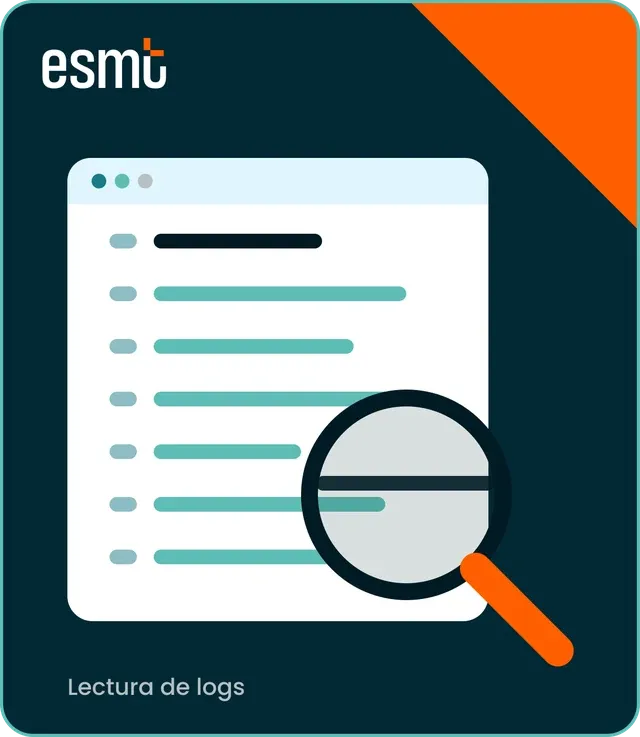
With the interaction ID you get its records inside the Genesys Cloud interface, without going to the API to pull the record.
Immediate insight
Built for end customers and consultants who need to understand an interaction's events right away.
Three ways to use it
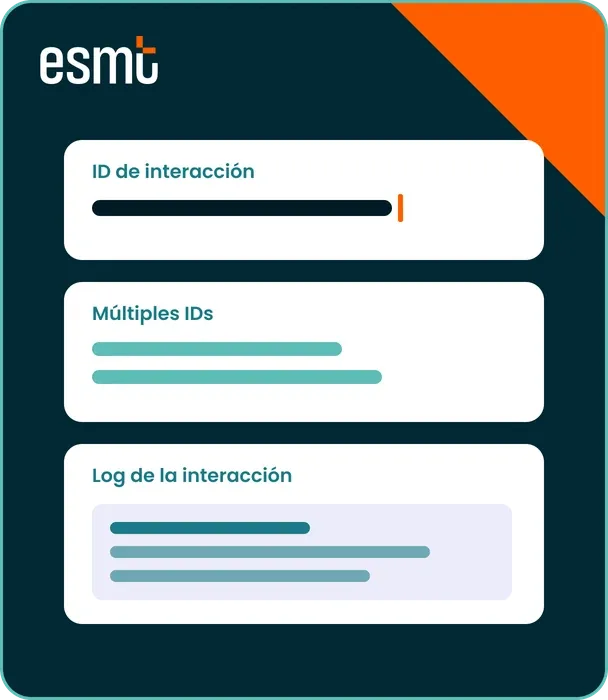
Check one interaction ID
Enter the ID and ViLog pulls the log from Genesys Cloud.
Check several IDs at once
Analyze a group of interactions in a single query.
Copy and paste the log
Manual option: it makes no requests to the Genesys Cloud API.
Easy setup: you register a client-type OAuth and ViLog generates the token that authorizes every request to the Genesys Cloud API in a single operation.
Everything that happened, in one view
Based on the interaction's metrics, ViLog gives you two resources to analyze it.
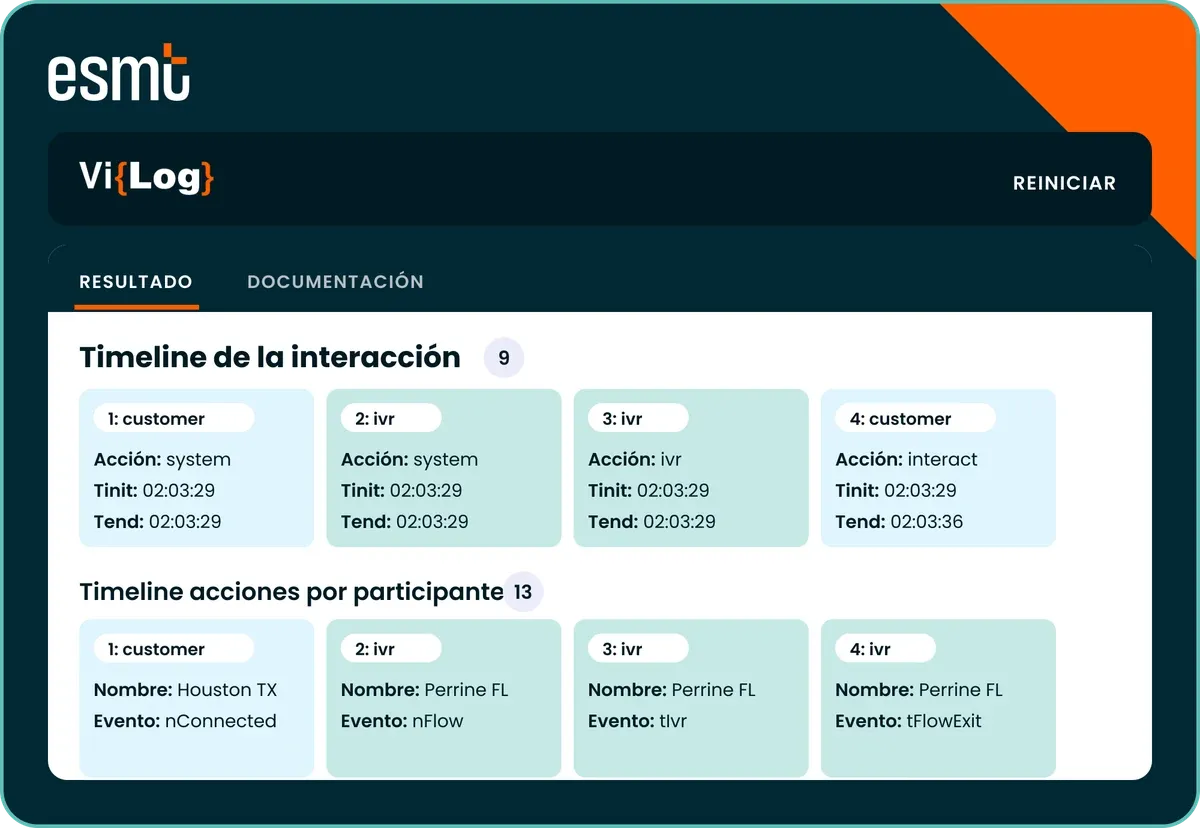
Timeline
It lays out every event of the interaction in sequence, also by participant.
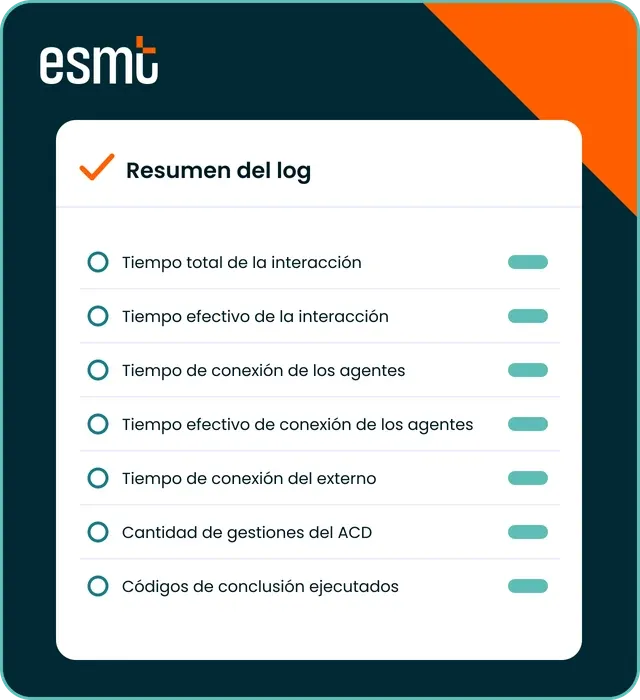
Interaction summary
It calculates the interaction's performance from its metrics:
- Total interaction time
- Effective interaction time
- Agent connection time
- Effective agent connection time
- External party connection time
- Number of ACD actions
- Wrap-up codes applied
Use cases
Find an issue
Learn why an unexpected disconnection happened or detect the causes of an abandonment.
Analyze performance
Understand the overall behavior of an interaction through its interface.
Open cases
Avoid unnecessary CARE cases and, when one is needed, get the evidence to have it solved quickly.
Request your demo
Tell us about your operation and a specialist will get in touch with you.
Our offices
USA, Mexico, Venezuela, Colombia, Chile, Brazil and Guatemala
Tell us about your company
Fill out the form and we'll contact you soon.